How it works
How it works
Sample data: two invoices go through the system, step by step.

Order
The order is in the system before the goods arrive.

Invoice
The invoice arrives by e-mail (PDF or photo). The system reads it and finds the order.
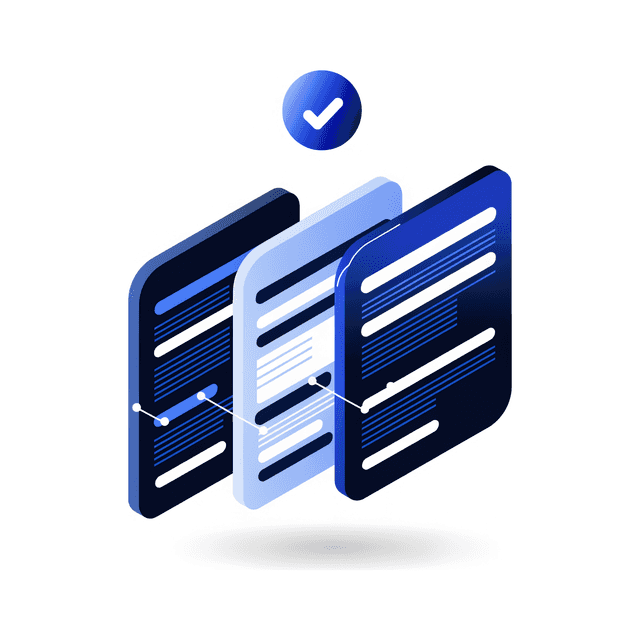
Three-way match
It compares it with the receipt and the prices, line by line.

Hold or post
A clean invoice is posted into the ERP as a receipt; a disputed one is held and explained.
HoldPost
ERP
The controller decides; everything held waits in the app, with its reason.
1/5 Order PO-2026-D041 · Riba Demo · sea bream 12 kg, sea bass 8 kg
1/5 Order PO-2026-D041 · Riba Demo · sea bream 12 kg, sea bass 8 kg 2/5 Invoice RD-0412/26 read · 2 lines · €321.43 3/5 Order ✓ · received ✓ · prices ✓ · quantities ✓ 4/5 Clean → post 5/5 ERP: goods receipt, document 90412 ✓ 1/5 Order PO-2026-D043 · Mljekara Demo · gouda 10 kg at €7.20 2/5 Invoice MD-2209/26 read · 1 line · €84.53 3/5 Price €7.90 ≠ €7.20 per kg ✗ 4/5 Held · difference €7.00 · the controller decides 5/5 ERP: nothing posted
What the system catches
Everything the system does
One system from the order to the books. Pick an area.
- Requests from the kitchen and departments, with a suggested quantity.
- Order approval by thresholds the owner sets.
- The purchase order as a PDF, ready for the supplier.
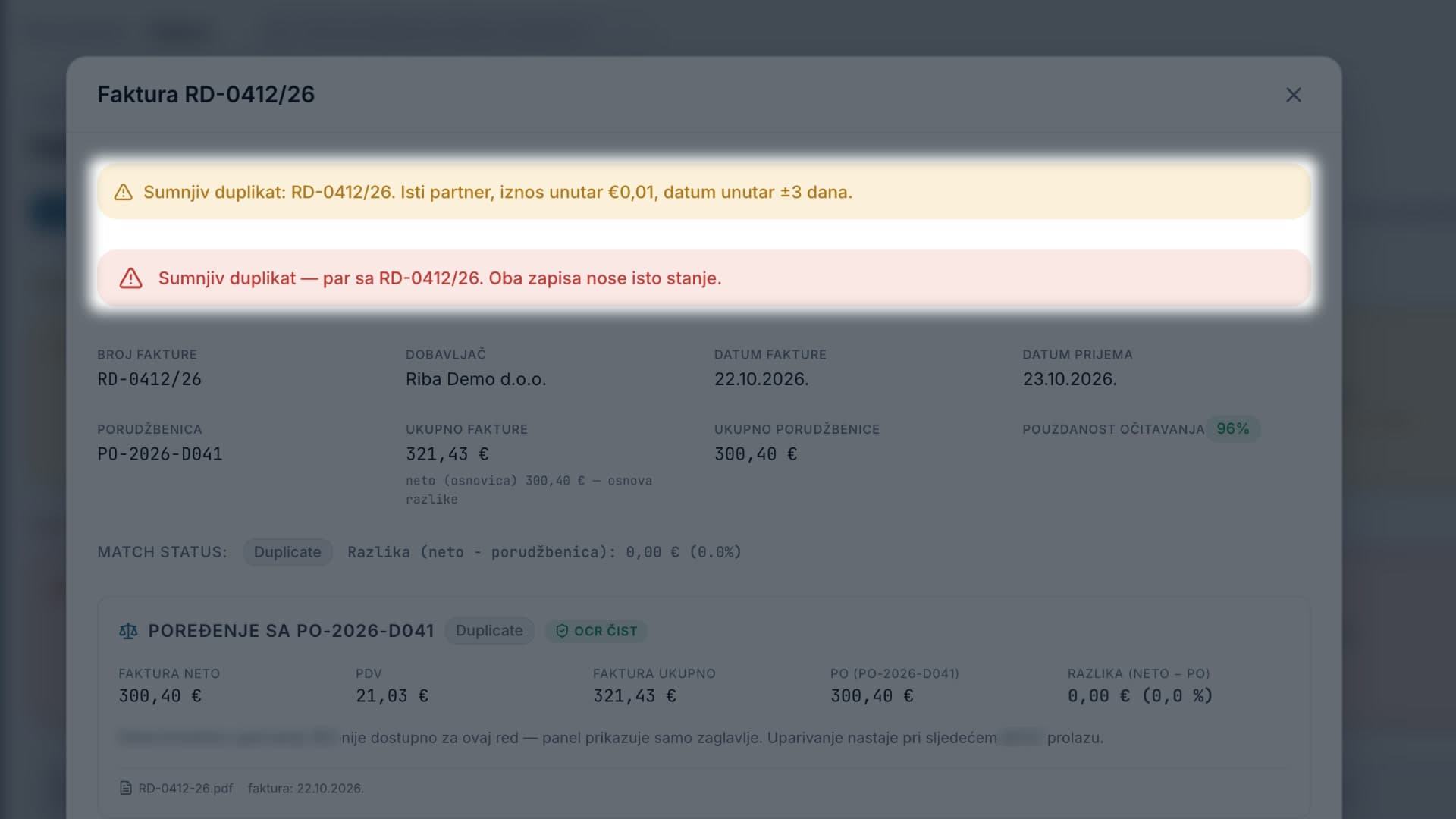
- A warning when an order looks like a duplicate.
Screenshots from the app (its interface is in BCS), with sample data.
- Receiving on a tablet or phone, line by line.
- Quick receipt from the delivery note.
- It records what was counted and what was only confirmed.
- Without a confirmed receipt the invoice is not posted.
Screenshots from the app (its interface is in BCS), with sample data.
- Invoices arrive by e-mail; AI reads PDFs and photos.
- Three-way match: invoice, order and receipt, line by line.
- The system posts clean invoices into the ERP itself, once a day after office hours.
- Limits per invoice and per run; a one-click stop.
- Everything held waits in the app, each with its reason.
Screenshots from the app (its interface is in BCS), with sample data.
- Every price is compared with the agreed and earlier prices.
- Price movement by supplier and article.
- The dispute letter is drafted; a person checks it and sends it.
- A dispute closes only when the credit note arrives.
Screenshots from the app (its interface is in BCS), with sample data.
- Stock levels by warehouse.
- Sales per dish and consumption per ingredient, from the POS.
- Food cost by day and cost per occupied room.
- Daily, weekly and monthly reports.
Screenshots from the app (its interface is in BCS), with sample data.
- A log of every action: who, when, what. Nothing is deleted.
- Roles and PIN: staff see their part, the owner sees everything.
- The owner sets the bounds, the controller tunes the thresholds.
- AI advises, a person decides.
- Glas: ask the system by voice, approve by voice with a PIN.
- Posts into the ERP through its official API; connected today: Abacus.
Screenshots from the app (its interface is in BCS), with sample data.
Patent pending
Patent applications are filed for the methods behind easybuy.today. What each one does:
Invoices that check, hold or post themselves — with proof
Each invoice is checked against the order, the delivery and the agreed prices. It is held with a reason, or posted into the ERP, and every decision is written to a record anyone can re-check later. Missing article pairings and pack sizes are proposed from the hotel's own past bookings, for one-click confirmation.
Findings that come with their coverage
Stock anomalies, price leaks, theft indicators and recipe errors are reported together with how much of the data they were measured on, and a method anyone can run again. A finding is a fact with its limits stated, not a guess.
Spotting a supplier who overcharges one hotel — without sharing prices
Hotels compare how their prices move, never the prices themselves. A supplier who raises prices for one hotel only stands out, and no hotel reveals what it pays.